Windows
Windows 10 or 11, 64-bit
Installer · 106 MB
No installer? Get the .zip (139 MB).
A free, unofficial Purdue fan game
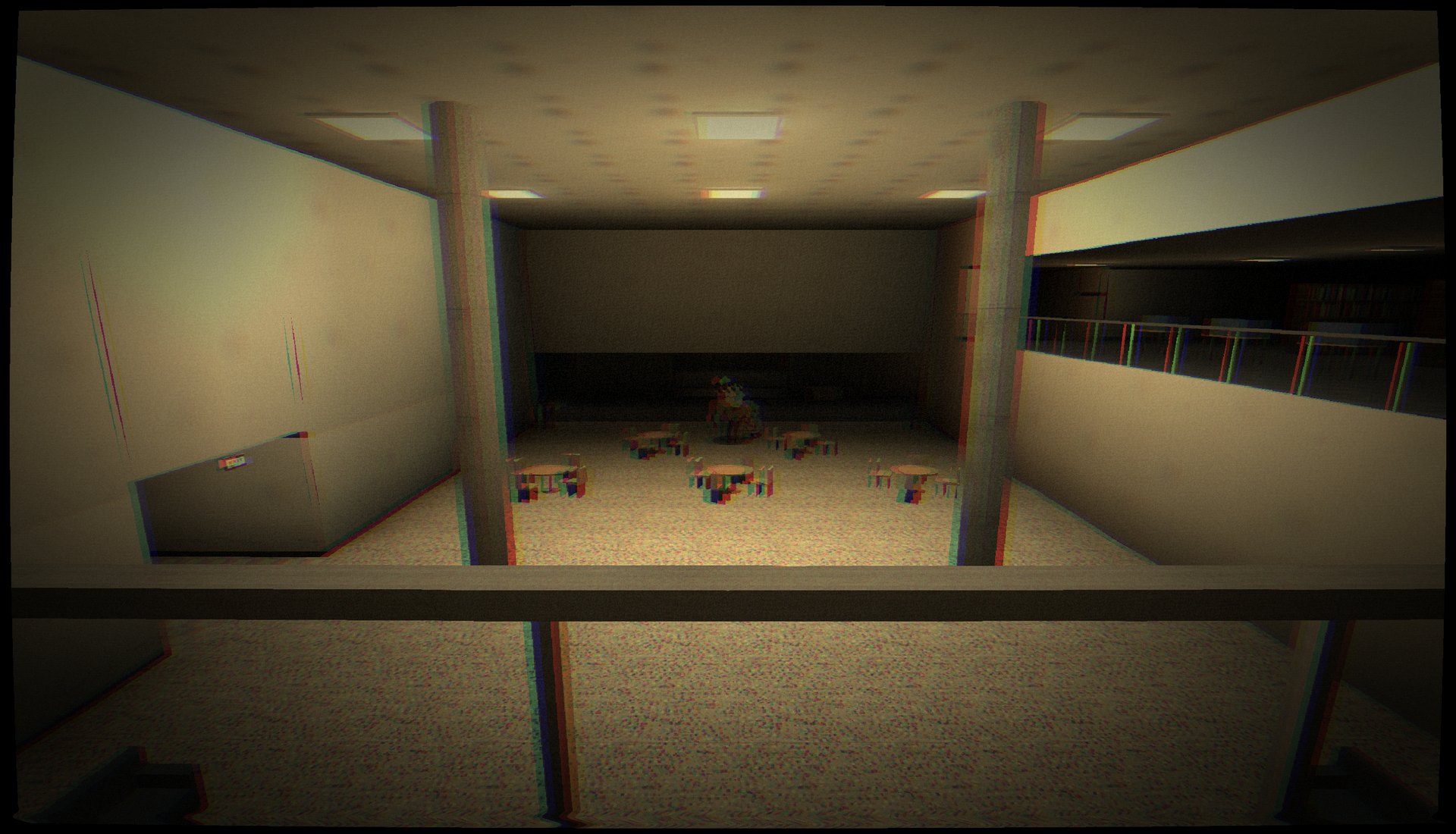
It's 2:13 AM. You fell asleep studying in WALC. The building doesn't end anymore, and down in the atrium, something in a mascot head is looking up at you.
First-person horror shot through a dying camcorder. Every texture and every sound is generated by the game itself, from the hum of the lights to the scrape of a hammer dragging across the floor.
Real places on the West Lafayette campus, bent out of shape between 2 and 5 AM. Each one hides an old brick. Find all six and the night ends differently.
Wilmeth Active Learning Center
The front doors are chained. The stairwell keeps going down, and the hallways below aren't on any floor plan.
Purdue Memorial Union
A basement corridor that repeats, bowling lanes in the dark, and a stairway that won't unlock without power.
Earhart Hall & Dining Court
Endless tables, trays sliding off by themselves, and a loading-dock door that rises far too slowly.
Electrical Engineering & the halls around it
Terrazzo corridors, robot arms that move on their own, and a breaker code someone left on a chalkboard.
Purdue Mall & Memorial Mall
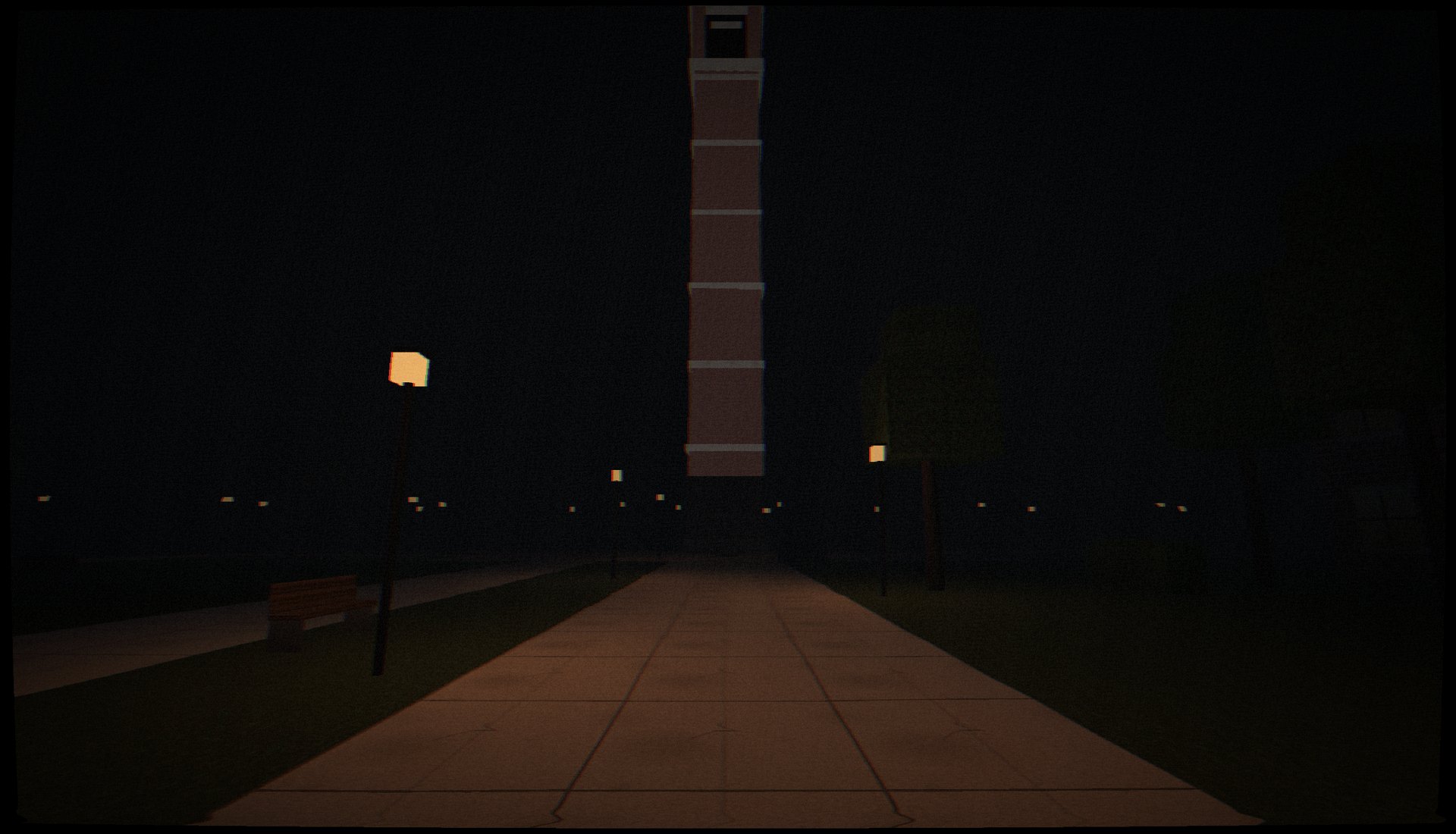
Outside at last. The tower is right there, over the trees. Every path leads back to where you started.
Steam tunnels & the utility plant
Tunnels under campus, a train that never stops, and three different ways out.
He doesn't just run at you. When he sees you, he stops. He stares. He re-grips the hammer with both hands. Then he runs.
Hide in lockers, under desks, behind hedges. Just not while he's watching.
Version 0.2.0. Free, no account, no ads. Runs offline once installed, and your progress saves on your device.
Windows 10 or 11, 64-bit
Installer · 106 MB
No installer? Get the .zip (139 MB).
M1 and newer, macOS 13+
Disk image · 118 MB
Most Macs from 2021 on.
Intel processor, macOS 13+
Disk image · 126 MB
Not sure? See which Mac do I have.
Android 11 or newer
App (.apk) · 8 MB
Phones and tablets, played sideways.
No download needed: the browser version is the whole game. It runs in current Chrome, Edge, Firefox and Safari, including on iPhone and iPad.
Play in browserYes. No ads, no account, nothing to buy.
No. It's an unofficial fan game, not affiliated with or endorsed by Purdue University. The campus, the buildings and the mascot appear as fan parody.
Windows, macOS and Android warn about any app that isn't signed with a paid developer certificate or sold through an app store. This free game isn't, so you'll see a warning once. The install steps above show how to get past it. If you'd rather not, the browser version needs no install at all.
Open the Apple menu ▸ About This Mac. If it says Chip: Apple M1 (or M2, M3…), get the Apple Silicon version. If it says Processor: … Intel, get the Intel version.
Yes, in Safari: tap Play, then Share ▸ Add to Home Screen to play it full screen like an app. Turn off the silent switch, or there's no sound.
Yes, at checkpoints, on your device. The browser version saves in that browser; the apps save on that computer or phone.
Anything that supports WebGL 2: practically any computer, phone or tablet from the last several years. Headphones make it a lot scarier.